Repo Studio · Photoshop plugin
REPO TRACE.
Blurry logo in. Clean, editable vectors out. Without leaving Photoshop.
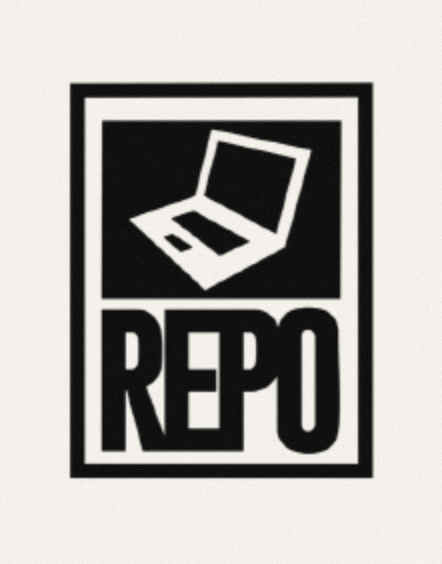
 Before · JPEGAfter · vector
Drag to compare
Zoom in. It holds.
Every edge becomes a real curve, not pixels, so the logo is sharp at any size: a tee print, a tag or a billboard.


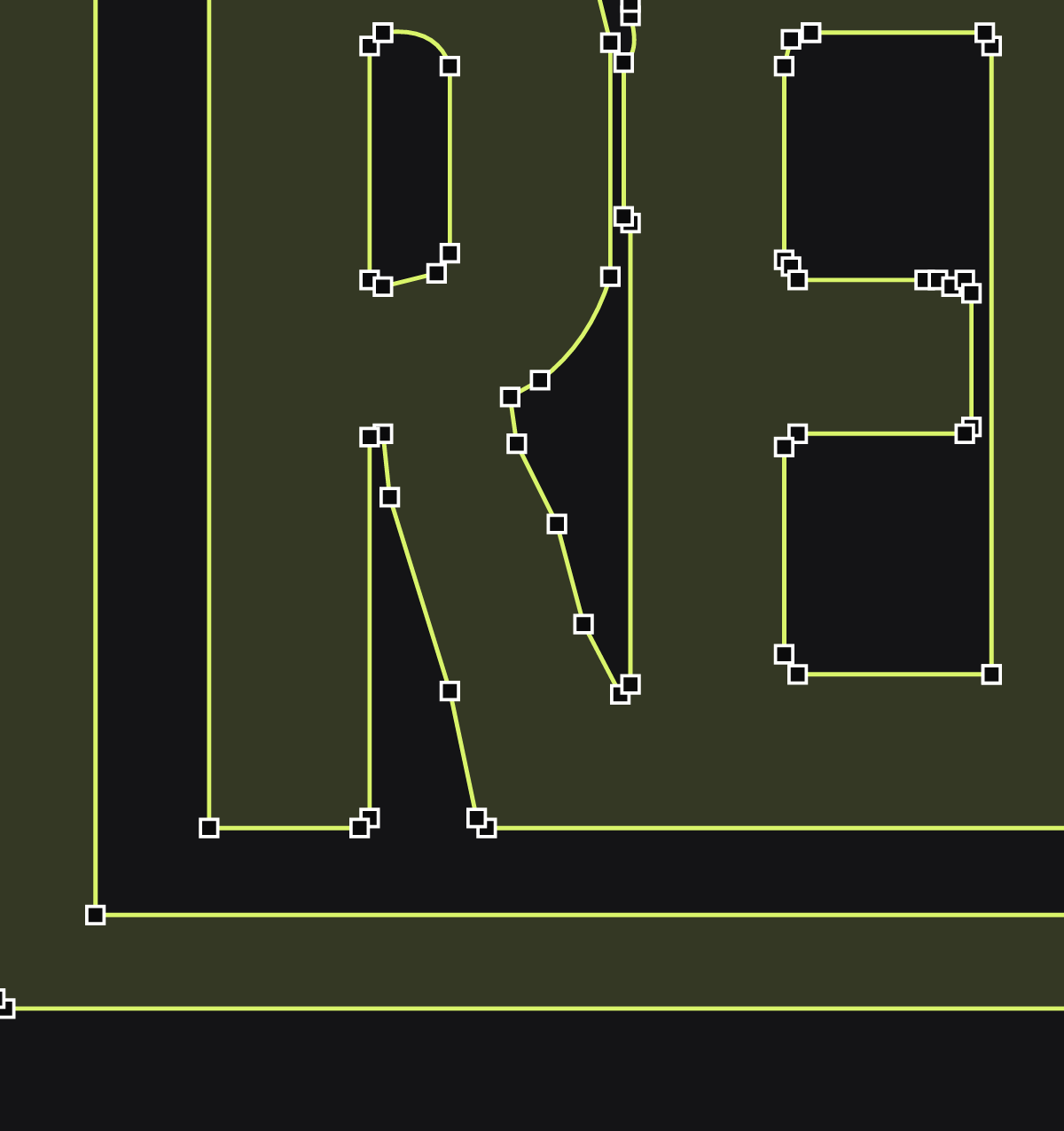
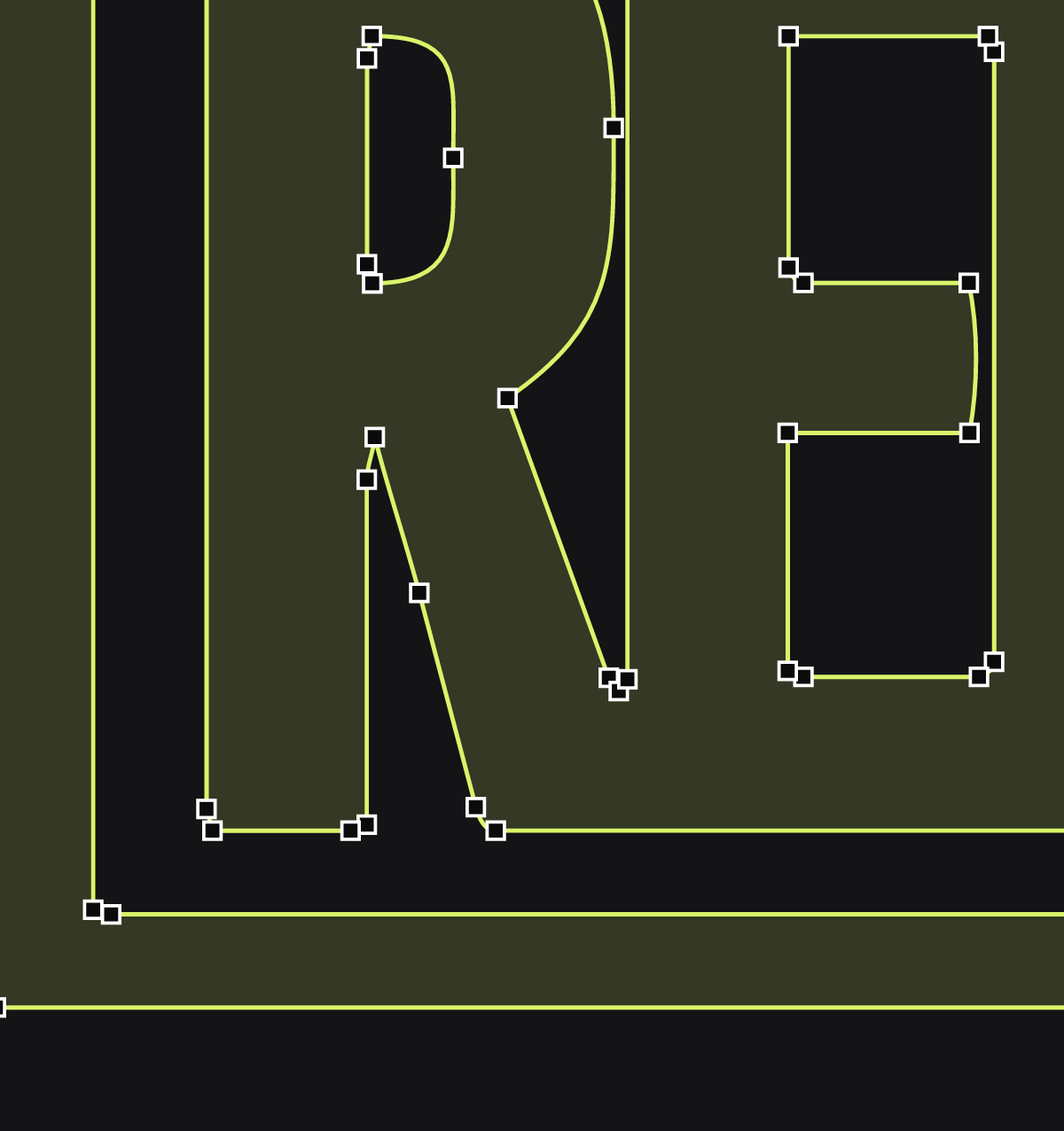
Fewer points. Cleaner curves.
Straight edges come out dead straight and curves come out smooth, with as few anchor points as possible. Like it was drawn by hand.
Built for logos, graphics and sketches.
Everything happens in a Photoshop panel. Your artwork never leaves your computer.
- 01
Real shape layers
One editable shape layer per colour. Recolour it with a click, reshape it with the Direct Selection tool. No Illustrator needed.
LayersChannelsPathsArtwork · TRACED#74B7E8#2F7D50#E87841#F7C531 - 02
Tidy shapes
Near-circles become perfect circles. Nearly straight lines become exactly straight, with square corners. It cleans a logo up the way you would by hand.
- 03
Four styles
Mono for logos and type, Flat for graphics and badges, Detailed for busier artwork, and Lines for sketches and handwriting, traced as strokes you can make thicker or thinner.

- 04
Your colours
Paste your brand’s hex codes, or pick them with the eyedropper, and the trace uses exactly those. Hide or swap any colour before you trace.

- 05
Live preview
See the result as you move the sliders, flip between before and after, and zoom right in to check every edge before you commit.
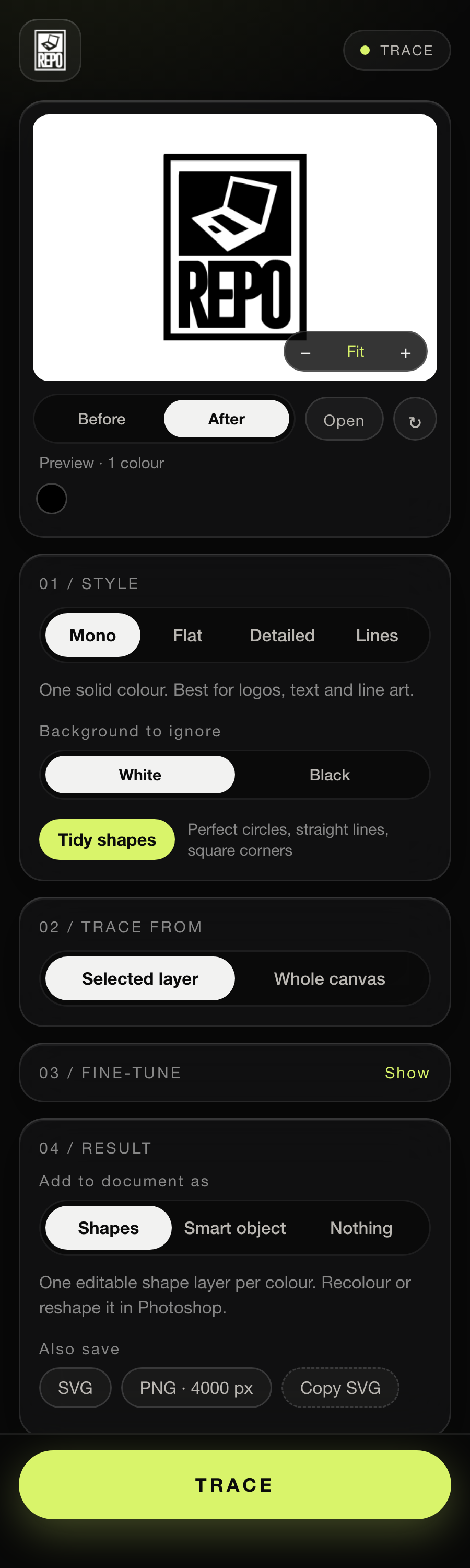
Three steps. Two minutes.
No account, no subscription, no Illustrator.
Get it
Check out in the shop. Your download link arrives by email straight away. Unzip it to find the .ccx file.
Double-click
The Creative Cloud app opens and installs it. It says the plugin isn’t from the Adobe marketplace; that’s normal for plugins sold direct. Click Install.
Trace
Restart Photoshop, then open Plugins → REPO TRACE. Drop an image on the panel, or select a layer, and hit TRACE.
Good to know.
Anything else? DM @mylesrepo.
Do I need Illustrator?
No. The result lands in Photoshop as editable shape layers: recolour them with the layer’s colour swatch and reshape them with the Direct Selection tool. You can also save an SVG to open anywhere.
Why does Creative Cloud warn me when I install it?
Plugins that aren’t sold through Adobe’s marketplace show a “not from the marketplace” message. That’s expected for plugins sold direct by independent designers. Click Install.
Does it upload my artwork anywhere?
No. Everything runs inside Photoshop on your computer, and it works offline.
What can I trace?
Logos, type, badges, flat graphics and illustrations, sketches and handwriting. Any layer in Photoshop, or drop a PNG, JPG, WebP or PSD onto the panel. Photos with lots of shading aren’t what it’s for.
Mac or Windows?
It’s built for both and tested on Mac. Windows hasn’t been tested yet; if anything looks off there, DM me and I’ll fix it.
How do I get updates?
When a new version is out, you’ll get it the same way: a new .ccx to double-click. Creative Cloud replaces the old one.
REPO TRACE.
Blurry logo in. Clean vectors out. Without leaving Photoshop.